
Yuval Avidani
Author
Finally, An AI Agent That Can Actually Use Our Computer
The project UI-TARS-desktop from ByteDance solves the fundamental disconnect between AI's reasoning capabilities and its ability to execute tasks on our actual computers. We've had AI agents that can think, plan, and strategize, but when it comes to actually clicking buttons, filling forms, or navigating our desktop applications, we've been stuck doing everything manually.
The Problem We All Know
We all face this daily frustration. Our AI assistants live in chat windows and can only interact with the world through limited APIs and command-line interfaces. When we need to book a flight, change system settings, or work with legacy software that has no API, we're back to manual labor. It's like having a brilliant strategist who can plan the perfect chess game but can't actually move the pieces.
We have tools like AutoGPT, LangChain agents, and various automation frameworks, but they're fundamentally limited by what APIs are available. If a piece of software doesn't expose an API - and most desktop applications don't - our AI agents are helpless. Converting visual workflows into programmatic control requires building custom integrations for every single application we use, which is unsustainable.
The core issue is that most of our computing happens through graphical user interfaces designed for human eyes and hands, not for programmatic control. We've been trying to force AI agents to work through the back door of APIs when the front door - the actual UI - is right there.
How UI-TARS-desktop Works
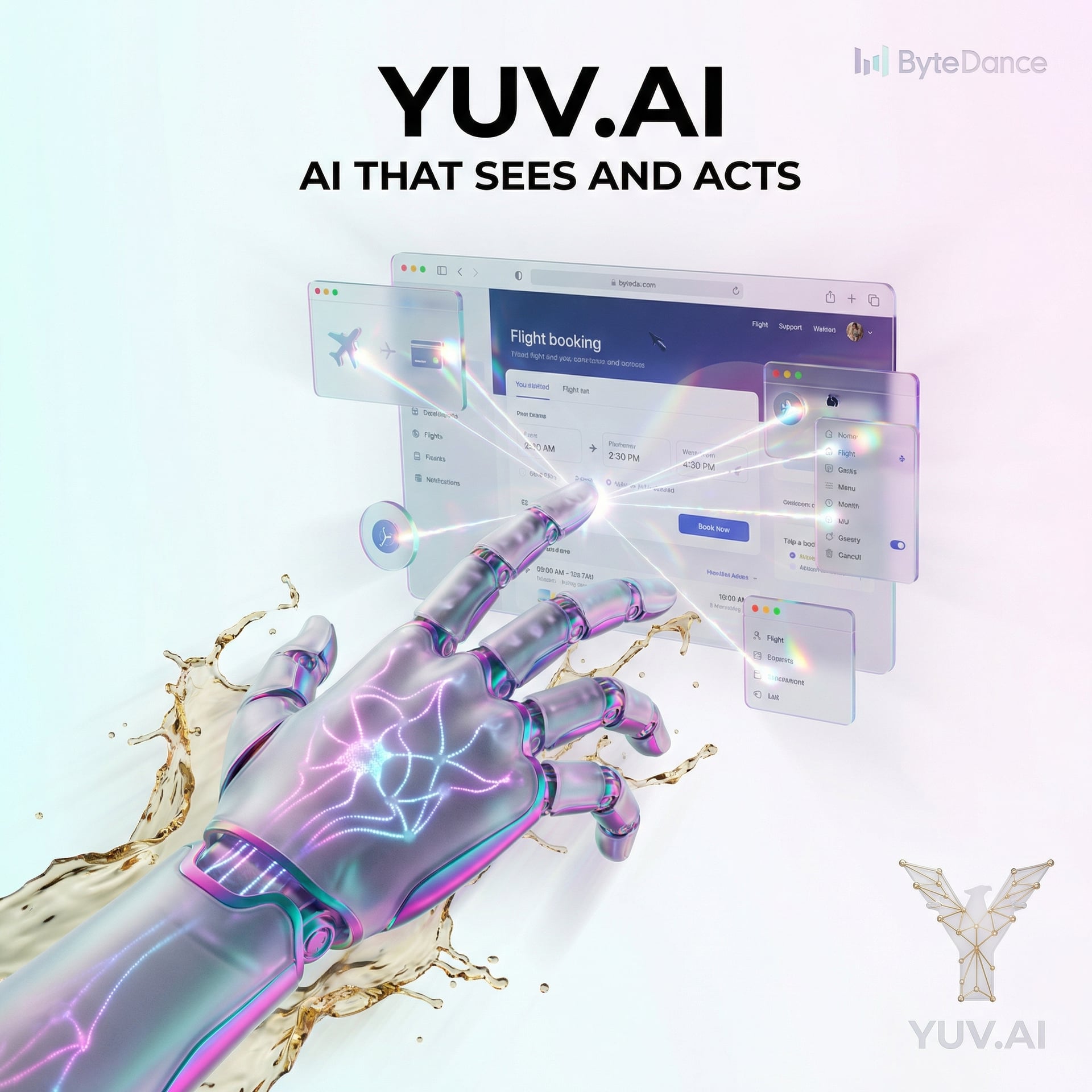
UI-TARS-desktop takes a completely different approach by using computer vision and the UI-TARS-1.5 multimodal language model to literally see our screen and interact with it through mouse and keyboard control. Think of it like having a coworker who sits next to us, watches our screen, and can take over the mouse when we ask them to do something - except this coworker is an AI that never gets tired and can work 24/7.
The system comes in two main components. First, there's Agent TARS, which handles command-line and web-based interactions - the traditional territory of AI agents. Second, there's the desktop application itself, which provides native operating system control with full visual understanding. This dual architecture means we get the best of both worlds: the speed and precision of API-based control where it's available, and visual understanding everywhere else.
What makes this particularly powerful is the integration with Model Context Protocol (MCP) - meaning a standard communication protocol that lets AI models connect to external tools and data sources. Think of it like USB ports on our computer: a universal standard that lets us plug in any compatible device. With MCP, UI-TARS can access our calendar API, our email, our database, or any other tool while simultaneously understanding what's happening visually on our screen.
Quick Start
Here's how we get started with UI-TARS-desktop:
# Clone the repository
git clone https://github.com/bytedance/UI-TARS-desktop.git
cd UI-TARS-desktop

# Install dependencies
pip install -r requirements.txt

# Run the desktop agent
python main.py --mode desktop

# Or run Agent TARS for CLI/web
python main.py --mode agent
A Real Example: Automated Flight Booking
Let's say we want to automate booking a flight, which traditionally requires clicking through multiple pages, filling forms, and comparing options:
from ui_tars import DesktopAgent

# Initialize the agent with visual understanding
agent = DesktopAgent(
    model="ui-tars-1.5",
    screen_resolution=(1920, 1080),
    enable_mcp=True
)

# Define the task in natural language
task = """
Book a round-trip flight from NYC to SF:
- Departure: Next Monday
- Return: Following Friday
- Budget: Under $400
- Preference: Direct flights
"""

# Execute the workflow
result = agent.execute_task(
    task_description=task,
    websites=["expedia.com", "kayak.com"],
    max_duration=300  # 5 minutes timeout
)

print(f"Task completed: {result.success}")
print(f"Booking confirmation: {result.data}")
Key Features That Make This Different
- Visual Understanding - The UI-TARS-1.5 model can see and interpret any graphical interface, from modern web apps to legacy desktop software from the 1990s. Think of it like having eyes on our computer that understand what buttons do, where forms are, and what information is displayed.
- Native OS Control - Unlike browser automation tools that only work on websites, this operates at the operating system level. It can click system tray icons, navigate file explorers, change system settings - anything we can do with our mouse and keyboard.
- Model Context Protocol Integration - While the agent sees our screen, it can simultaneously access external APIs and tools through MCP. This is like having a brain that processes what it sees while also having direct access to databases and services.
- Dual Architecture - Agent TARS handles traditional API-based tasks efficiently, while the desktop component tackles visual workflows. We get the speed of programmatic control where available and the flexibility of visual understanding everywhere else.
- Local and Remote Operation - We can run this on our own machine for personal automation or control remote computers. Think of it like TeamViewer, but the person on the other end is an AI following our instructions.
When to Use This vs. Alternatives
We have several approaches to computer automation, and each has its place. Traditional scripting with tools like Selenium or Playwright is faster and more reliable for repetitive tasks with stable interfaces - like running tests on our web application every night. If we're working with software that has good APIs, using those APIs directly is always going to be more efficient than visual automation.
UI-TARS-desktop shines when we're dealing with complex, multi-step workflows that span different applications, especially when some of those applications lack APIs. It's perfect for one-off tasks that would take us an hour manually but aren't worth writing a custom script for. It's also excellent for working with legacy software, closed-source applications, or any interface that changes frequently where maintaining traditional automation scripts would be painful.
If we're already using tools like RPA (Robotic Process Automation) software, UI-TARS offers similar visual automation capabilities but with much more intelligent decision-making. Traditional RPA follows pixel-perfect scripts that break when interfaces change slightly; UI-TARS understands what it's looking at and can adapt to layout changes, different screen resolutions, and unexpected dialog boxes.
My Take - Will I Use This?
In my view, this represents a significant evolution in how we think about AI agents. We've spent years building agents that can reason about tasks and generate code, but the execution layer has been stuck in API-land. UI-TARS-desktop finally bridges that gap by giving agents the same interface we use: visual understanding and direct control.
For our workflow at YUV.AI, this is particularly interesting for automating client demonstrations and testing AI applications across different platforms. Instead of maintaining separate automation scripts for every client's unique setup, we can describe the workflow in natural language and let UI-TARS figure out how to navigate their specific interface. The MCP integration is crucial here - it means the agent can access our tools and data while simultaneously controlling the visual interface.
The catch is that visual automation is inherently slower than API-based control. If we're running the same task hundreds of times per day, writing a traditional script or using an API will always be faster. But for complex, infrequent tasks - like monthly report generation that involves pulling data from five different tools, each with different interfaces - this is transformative. We're not replacing traditional automation; we're adding a new capability for scenarios where traditional automation wasn't practical.
One limitation to watch: the model's visual understanding, while impressive, isn't perfect. We need to provide clear instructions and sometimes add verification steps to ensure critical operations completed correctly. For high-stakes operations like financial transactions, we'd want human verification in the loop rather than full autonomy.
Check out the project and see how ByteDance is pushing the boundaries of what AI agents can do: UI-TARS-desktop on GitHub