
Yuval Avidani
Author
Finally, an AI Coding Agent We Actually Control
The project OpenCode solves a problem we've all been wrestling with since Claude Code launched: how do we get the power of AI-assisted coding without locking ourselves into a single vendor's ecosystem? OpenCode gives us a fully open source alternative that works with any AI provider we choose.
The Problem We All Know
We've all felt the mix of excitement and anxiety when Anthropic released Claude Code. On one hand, it's genuinely impressive - an AI agent that can understand our codebase, make intelligent changes, and actually help us ship faster. On the other hand, it creates a new dependency we didn't have before.
Here's what keeps us up at night: our entire development workflow now depends on Anthropic's API availability, their pricing structure, and their policy decisions. If they change pricing, we pay more. If they have downtime, we're stuck. If we need to comply with data residency requirements, we might be out of luck entirely. We have tools like Copilot and Cursor that help, but they come with similar vendor lock-in challenges.
The real challenge isn't that these commercial tools are bad - they're excellent. But we've learned from painful experience that betting our core workflows on proprietary platforms eventually constrains us. We need the flexibility to choose our AI providers, run models locally when needed, and maintain control over our development infrastructure.
How OpenCode Works
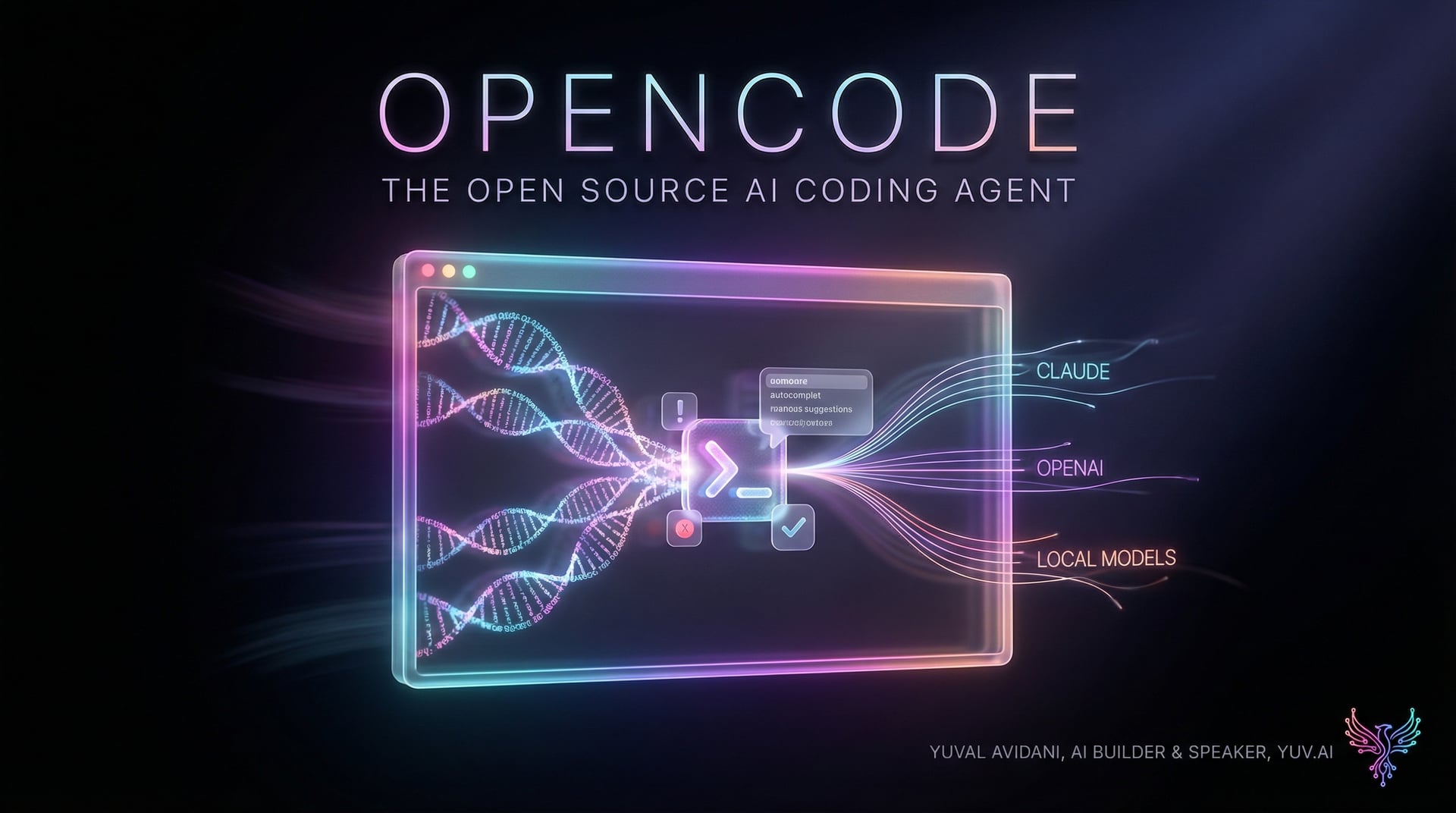
OpenCode takes a fundamentally different approach: it's a 100% open source coding agent that's completely provider-agnostic. Think of it like having our own private Claude Code that we can point at any AI service we want - or run entirely offline with local models.
The architecture is client-server, meaning OpenCode runs on our machine while we can control it from anywhere. This is like having a development server that's always ready - we could theoretically drive it from a mobile app while the heavy lifting happens on our workstation.
Quick Start
Getting started with OpenCode is straightforward. Here are the installation options:
YOLO installation (one-liner)
curl -fsSL https://opencode.ai/install | bash
Package managers
npm i -g opencode-ai@latest
brew install anomalyco/tap/opencode  # macOS/Linux
scoop install extras/opencode        # Windows
Custom installation directory
OPENCODE_INSTALL_DIR=/usr/local/bin curl -fsSL https://opencode.ai/install | bash
Working with Agents
OpenCode includes two built-in agents we can switch between using the Tab key. This is smarter than it might sound at first:
The 'build' agent - full access for development
Just start OpenCode and you're in build mode by default
opencode
The 'plan' agent - read-only for exploration
Press Tab to switch to plan mode
This agent:
- Denies file edits by default
- Asks permission before running bash commands
- Perfect for exploring unfamiliar codebases
There's also a 'general' subagent for complex tasks
Invoke it with @general in your messages
@general find all the API endpoints that handle user authentication
A Real Example
Let's say we're exploring a new codebase and want to understand how authentication works without risking any changes:
Start OpenCode in plan mode
opencode
Press Tab to switch to 'plan' agent
Now we can ask questions safely
"Show me all the authentication middleware in this codebase"
The agent will:
1. Search through our files
2. Identify auth-related code
3. Explain what it finds
4. NOT make any changes
When we're ready to make changes, Tab back to 'build' mode
Key Features That Matter
- Provider Agnostic - We can use Claude, OpenAI, Google, or local models. As pricing and capabilities shift, we're not locked in. Think of it like using a universal remote instead of being stuck with the TV manufacturer's controller.
- LSP Support Out of the Box - OpenCode includes Language Server Protocol support, meaning we get proper autocomplete, error checking, and code intelligence. This is what makes it feel like a real development tool rather than a chatbot that edits files.
- Client-Server Architecture - The separation between the OpenCode server (doing the work) and the client (how we interact) means we could build custom interfaces or access it remotely. Like having SSH access to our development assistant.
- Dual Agent System - The build/plan split is cleverer than it seems. We can explore codebases fearlessly in plan mode, then switch to build mode when we're ready to make changes. It's like having a safety mode on power tools.
- Desktop App Available - For those who prefer GUI over terminal, there's a beta desktop application for macOS, Windows, and Linux. We don't have to be terminal purists to benefit.
When to Use OpenCode vs Alternatives
Let's be fair about where OpenCode fits. If we're already using Claude Code or Cursor and they work perfectly for our workflow, there's no urgent reason to switch. Those are mature, polished products.
OpenCode makes sense when we need:
- Data sovereignty - keeping our code and interactions on our infrastructure
- Provider flexibility - experimenting with different models or avoiding single-vendor risk
- Customization - ability to modify the agent's behavior or build custom integrations
- Local operation - working offline or with local models for sensitive projects
- Cost control - using our own API keys and choosing cheaper providers when appropriate
The trade-off is maturity. OpenCode is newer, so the ecosystem isn't as developed. We might hit rough edges that Anthropic or Microsoft have already polished smooth in their products.
My Take - Will I Use This?
In my view, this is exactly the kind of tool we need in our ecosystem right now. Not because commercial options are bad, but because having a powerful open source alternative changes the game entirely.
I'm going to start using OpenCode for exploratory work - those moments when we're diving into an unfamiliar codebase and need an AI assistant that won't accidentally break things. The plan/build agent split is perfect for this. I'll keep it in plan mode while learning, then switch to build mode when I understand what needs to change.
For production workflows where we already have established tooling, I'll probably be more cautious. But the fact that we CAN switch if we need to - that's valuable insurance against vendor lock-in.
The limitations are real: this is a younger project without the polish of Claude Code. We'll probably hit bugs and missing features. But that's also the beauty of open source - we can fix them ourselves or wait for the community to solve them.
Bottom line: if we value independence in our development tools and want to keep our options open as the AI landscape evolves, OpenCode is worth exploring. It's not about replacing what works today - it's about having alternatives when we need them.
Check out the project: OpenCode on GitHub