
Yuval Avidani
Author
Key Takeaway
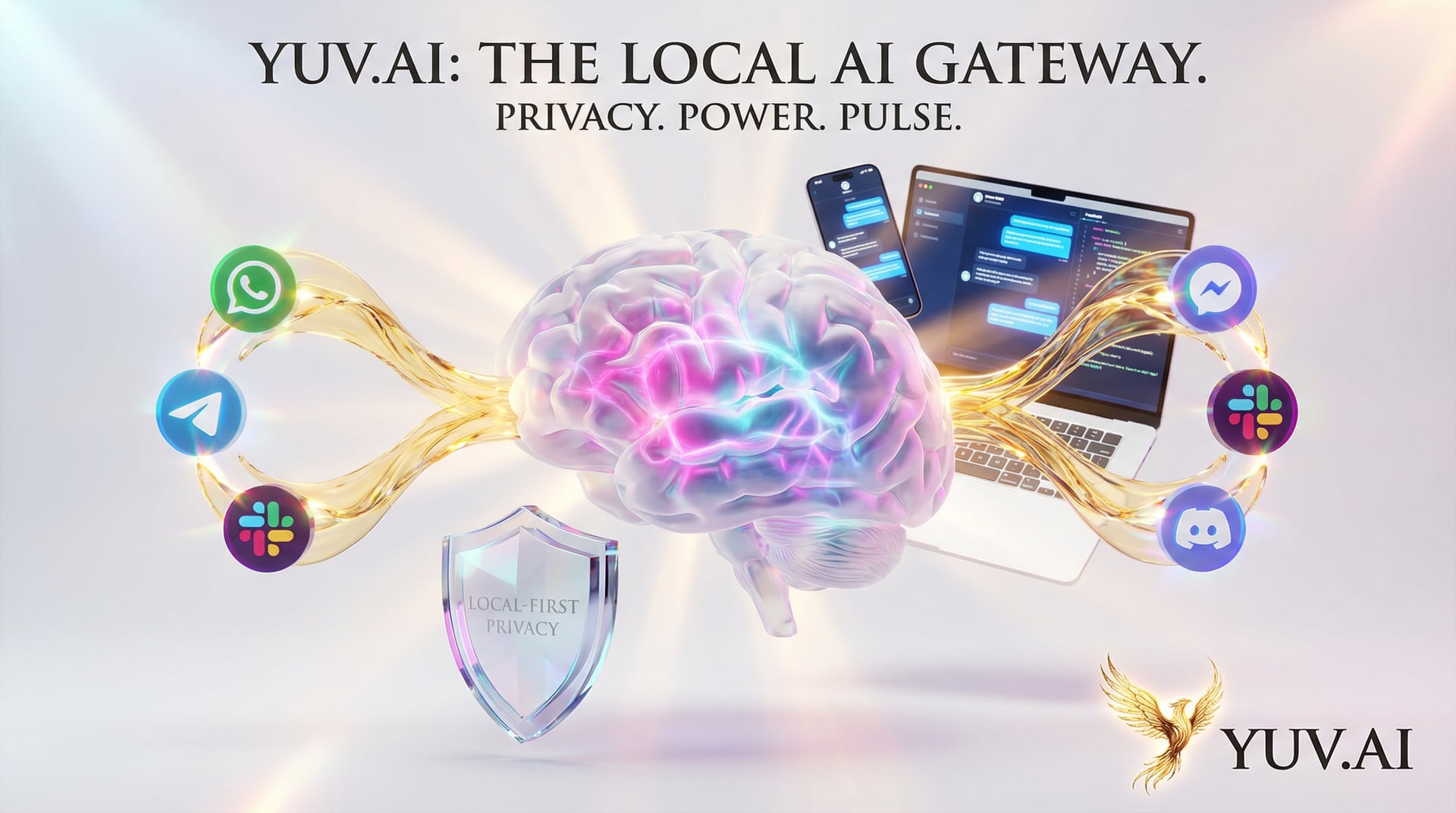
Moltbot is a local-first personal AI assistant platform that runs on our own devices while integrating with every major messaging channel. Created by moltbot, it solves the fundamental tension between wanting AI assistance everywhere and keeping our data private and under our control.
What is Moltbot?
Moltbot is a comprehensive personal AI assistant that we run on our own devices rather than in the cloud. The project Moltbot connects to virtually every communication platform we use - WhatsApp, Telegram, Slack, Discord, Google Chat, Signal, iMessage, Microsoft Teams, Matrix, and more - while keeping all our conversations and data local to our machines.
Think of it like having a personal assistant who lives in our house but can answer our phone calls, texts, emails, and messages from anywhere. The assistant never shares what we talk about with anyone else because everything happens on our devices.
The Problem We All Know
We want AI assistants to help us everywhere - in our work Slack, personal WhatsApp, team Discord, and client emails. But we don't want our conversations, documents, and private information living on someone else's servers where we have no control over security, privacy, or data retention.
Cloud-based AI assistants force us to choose: either get AI help and surrender our data privacy, or maintain privacy but lose the convenience of having assistance across all our channels. This creates friction where we end up using multiple tools that don't talk to each other, or we simply avoid AI assistance in sensitive contexts.
Existing solutions like ChatGPT, Claude web interfaces, or Copilot require us to leave our natural communication channels and visit separate apps. We lose context, waste time copying information back and forth, and break our workflow.
How Moltbot Works
Moltbot runs a Gateway control plane locally on our machine via WebSocket (ws://127.0.0.1:18789). This Gateway is the central hub that manages all channels, sessions, tools, and events. Everything flows through this local control plane - meaning our data never leaves our devices unless we explicitly send it somewhere.
The architecture supports multiple AI models through OAuth subscriptions. We can use Anthropic's Claude (Pro or Max tier recommended) or OpenAI's ChatGPT/Codex with automatic model failover - meaning if one model is unavailable or rate-limited, Moltbot automatically switches to another.
What makes this different is the multi-channel integration. Instead of us adapting to the AI tool, the AI adapts to us. We continue using WhatsApp, Telegram, Slack, Discord - whatever channels we already use daily - and Moltbot connects to all of them simultaneously.
Quick Start
Here's how we get started with Moltbot:
# Installation requires Node.js 22 or higher
npm install -g moltbot
# or
pnpm install -g moltbot
# or
bun install -g moltbot

# Run the onboarding wizard
moltbot onboard --install-daemon

# The wizard handles:
# - Gateway setup
# - Workspace configuration
# - Channel pairing (WhatsApp, Telegram, etc.)
# - Skills installation
# - Daemon service setup (launchd/systemd)
A Real Example
Let's say we want to set up Moltbot to answer questions in our team Slack while also being available in our personal Telegram:
# After installation, connect channels
moltbot channel add slack --workspace my-team
moltbot channel add telegram --phone +1234567890

# Configure which AI model to use
moltbot config set ai.provider anthropic
moltbot config set ai.model claude-3-opus

# Set up a skill for document analysis
moltbot skill install document-analyzer

# Start the daemon
moltbot daemon start

# Now we can message our assistant in Slack or Telegram
# and it responds intelligently while keeping everything local
Key Features
- Multi-Channel Integration - Moltbot connects to WhatsApp, Telegram, Slack, Discord, Google Chat, Signal, iMessage, BlueBubbles, Microsoft Teams, Matrix, Zalo, and WebChat. Think of it like having one assistant who can answer all our phones instead of needing a different assistant for each device.
- Local-First Gateway - The control plane runs on ws://127.0.0.1:18789, meaning everything happens on our machine. It's like having our assistant work from our home office instead of a public coworking space - complete privacy and control.
- Voice Wake & Talk Mode - Always-on speech interaction on macOS, iOS, and Android with ElevenLabs integration. We can literally just talk to our devices and get AI responses without touching them.
- Live Canvas - An agent-driven visual workspace with A2UI (Agent-to-UI) capabilities. Instead of just text responses, our assistant can show us visual interfaces, charts, and interactive elements.
- Multi-Agent Routing - We can have different AI personalities for different tasks with isolated workspaces. It's like having a team of specialists instead of one generalist - a code expert, a writing assistant, a research agent - all coordinated by Moltbot.
- Security by Default - DM pairing policies, allowlist management, and treating inbound DMs as untrusted input. Public DM access requires explicit opt-in. Our assistant doesn't talk to strangers unless we tell it to.
- Developer-Friendly - CLI-first design with comprehensive diagnostics (moltbot doctor), session management, and development channels. Everything is scriptable and automatable.
When to Use Moltbot vs. Alternatives
Choose Moltbot when we need AI assistance across multiple messaging platforms while maintaining data privacy. It's perfect for professionals who use various communication channels for work and personal life and want one AI assistant that works everywhere without sending data to the cloud.
ChatGPT or Claude web interfaces work better when we need maximum simplicity and don't mind cloud-based processing. They're easier to set up - no installation required - and work from any browser.
Copilot or similar IDE-integrated tools are better when our primary need is coding assistance within a development environment. Moltbot focuses on messaging channels, not IDE integration.
Custom LangChain or agent frameworks make sense when we're building something very specific and need complete control over the implementation. Moltbot trades some customization flexibility for out-of-the-box multi-channel support and easier setup.
My Take - Will I Use This?
In my view, Moltbot represents a significant step forward in making AI assistants practical for real-world use. The local-first architecture solves the privacy concern that stops many professionals from using AI assistants with sensitive work information.
The multi-channel integration is brilliant. We don't change our habits or workflow - the AI comes to us wherever we already communicate. This is how technology should adapt to humans, not the other way around.
I'll definitely use this for scenarios where I need AI assistance but can't risk data leaving my control - client communications, proprietary research, strategic planning. The voice integration on mobile means I can get AI help while driving or walking without touching my phone.
The catches: it requires Node.js 22+ and CLI comfort for setup. This isn't plug-and-play like ChatGPT - there's legitimate technical setup involved. Also, we still need subscriptions to Claude or OpenAI APIs, so it's not free to operate even though the software is open source.
For developers, security professionals, or anyone who handles sensitive information across multiple communication channels, this is worth the setup complexity. Check out the project: Moltbot on GitHub
Frequently Asked Questions
What is Moltbot?
Moltbot is a personal AI assistant platform that runs entirely on our own devices while connecting to every major messaging channel we already use - WhatsApp, Telegram, Slack, Discord, and many more.
Who created Moltbot?
Moltbot was created by moltbot, focusing on giving users a local-first AI assistant that doesn't compromise on features or convenience.
When should we use Moltbot?
Use Moltbot when we need AI assistance across multiple messaging platforms while maintaining complete data privacy and control, especially for sensitive work or personal communications.
What are the alternatives to Moltbot?
Alternatives include ChatGPT or Claude web interfaces (simpler but cloud-based), GitHub Copilot (IDE-focused), or custom LangChain implementations (more control but more work). Moltbot is unique in its local-first multi-channel approach.
What are the limitations of Moltbot?
Moltbot requires Node.js 22+ and CLI setup knowledge, needs API subscriptions to Claude or OpenAI for operation, and is more complex to configure than simple web-based AI assistants.