
Yuval Avidani
Author
I just launched a new course: "Local Models End to End," a mini course that teaches you how to run AI on your own computer, without a single word of the conversation leaving the building. It's already live, in Hebrew, at learn.yuv.ai/local-llms.
Why now, of all times
Almost everything we do with AI today runs through someone else's server. We paste a document into a chat, and it travels to the cloud of whatever company runs that model. Most of the time that's totally fine, but there are plenty of situations where it's exactly the wrong move: a client contract, a medical record, company code, classified information. And at the same time, we keep hearing about leaked conversations and models that end up exposed to sensitive data.
A local model is a different approach. A local model is a language model that runs entirely on your own computer, for anyone who wants AI without sending their data to anyone. No internet in the middle, no company server, no account. Think of it like the difference between sending a document to a print shop across town versus printing it at home: the home printer might be less powerful, but the page never leaves the house.
The real obstacle: your graphics card's memory
Turns out the first question isn't "which model is the best," it's "which model actually fits on my machine." A language model is basically a giant file of numbers (weights), and for it to run fast it needs to be loaded into your graphics card's memory, the VRAM (the GPU's dedicated memory). On Macs with Apple silicon, that memory is shared with the computer's overall RAM.
Let's look at actual numbers, based on the official download sizes in the Ollama library:
An 8-billion-parameter model weighs around 4.9GB and fits comfortably on most strong computers today, while a 70-billion-parameter model already needs 43GB. And that's before the context window (how much text the model "remembers" in a given conversation), which also eats up memory and grows the longer the conversation gets. There's a whole lesson in the course dedicated just to this tension between context window size and the hardware you actually have.
What's in the course
The course is built end to end, hands-on and on-screen, and you don't need any technical background going in. What you do need: a computer and curiosity. 14 lessons across seven chapters, nearly two hours of video:
The part I'm most excited about is the Unsloth Desktop section. It's an open source app that came out in August, which runs text, image, video and audio models completely offline, and even trains models without writing a single line of code. In the bonus lesson we transcribe files, generate images and audio, and build datasets (collections of training examples), all on our own machine.
What it actually looks like
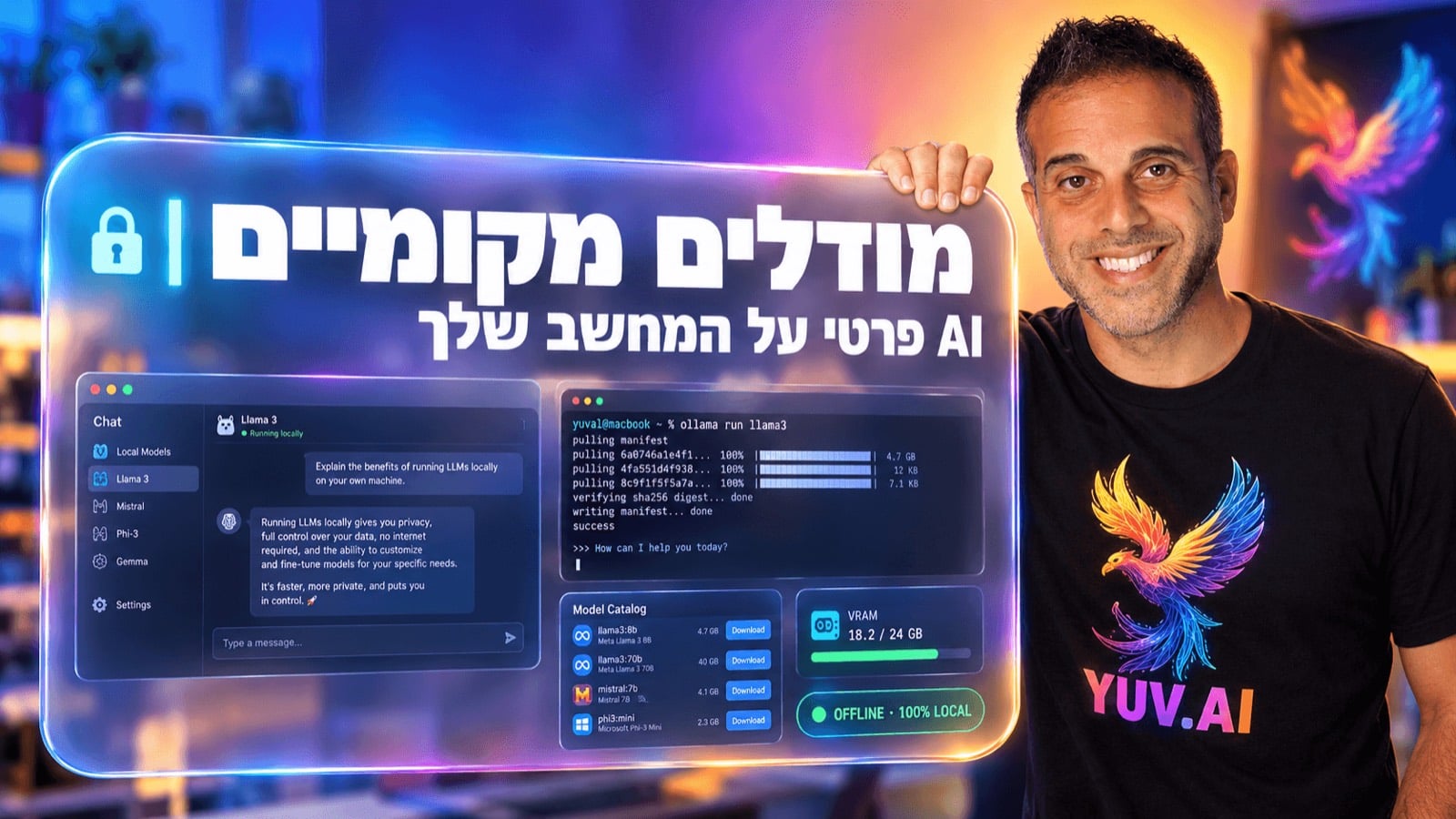
Just so you see how close this really is, here's the opening of the chapter on Ollama, a tool that runs models from the terminal (your computer's command window). Two commands, and we've got a chat going with a model running locally:
And from there it's a short hop to something even better: in the LM Studio chapter we turn the model into a service available to other computers on your home or office network, with an interface that speaks the same language as OpenAI's API. Any tool that knows how to talk to ChatGPT can talk to our model too, and the data never touches the internet.
My take: who this is for, and who it isn't
In my view, this is the course I wish I'd had two years ago. It's built for people working with sensitive information who want to use AI without the anxiety, for AI enthusiasts who want to understand what's happening under the hood, and for anyone who started out with ChatGPT or Claude and feels ready for the next step.
And it's important to be upfront about the limits too. A local model is bounded by your hardware, so on most hard tasks it still won't match the big cloud models. But it's excellent for summarizing, transcribing, querying documents, and everyday work, especially anywhere privacy matters more than squeezing out the last bit of capability. By the end of the course, you'll know how to pick the right model for your hardware, run it, and work with it confidently.
The course costs 385 NIS, and you can go in and watch the opening lesson right here: learn.yuv.ai/local-llms.
So, what information would you hand over to AI tomorrow morning, if you knew for certain it would never leave your computer?