 YUVAL AVIDANI

Yuval Avidani
Author
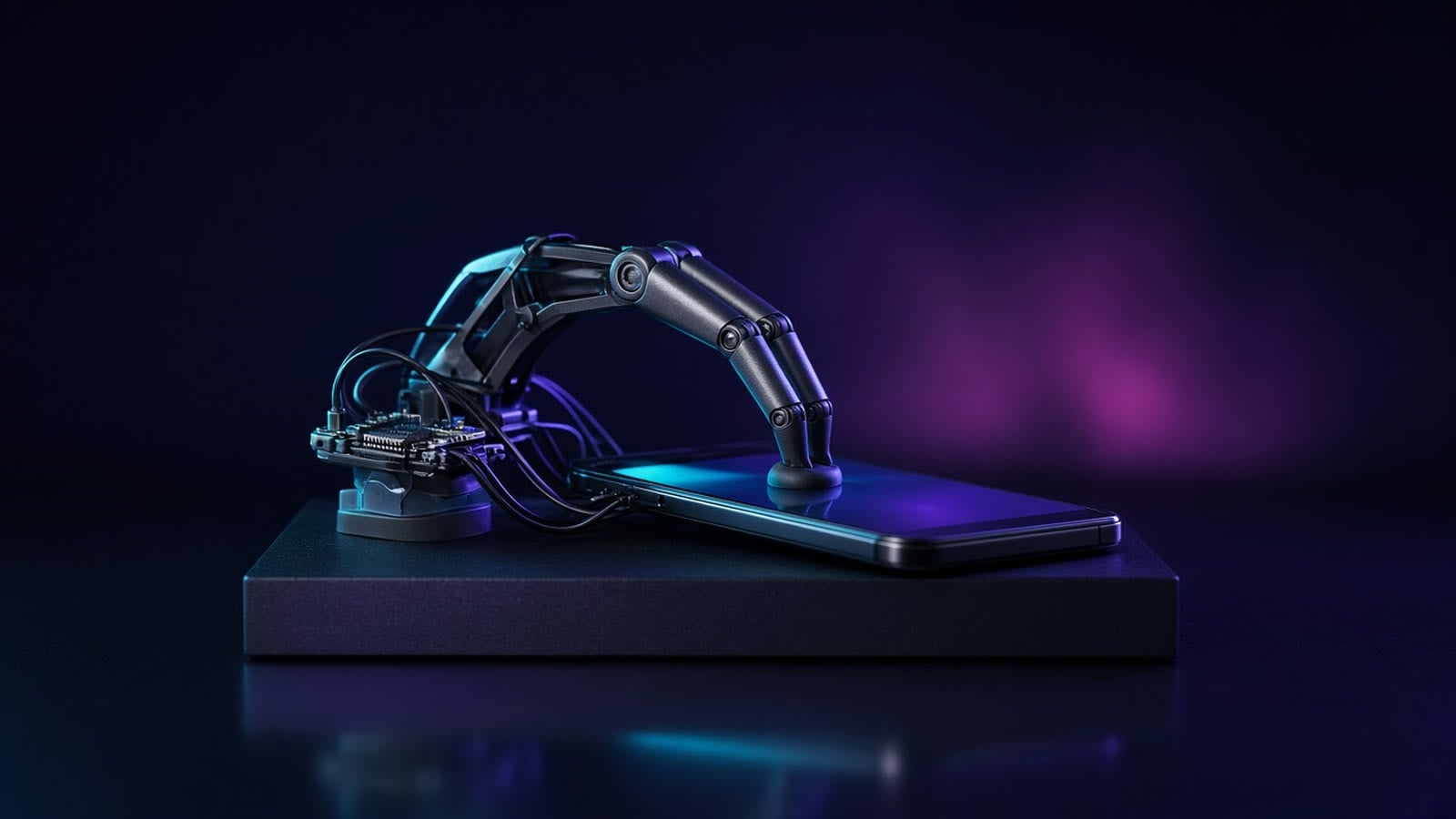
ESP32 iPhone Agent is an open-source project that lets an AI model operate a real iPhone using a $7.49 electronics board, no jailbreak and no computer needed at runtime. The project went up on GitHub on October 11th, and within eight days it already racked up over 3,200 stars. The demo that really grabbed me: you type to the phone "set an alarm for 8:00 AM that repeats every Monday and Tuesday, and save it," and the agent exits its own app, opens the Clock app, dials in the hour on the wheel, checks off the days, and saves. Just like a human would.
We're going to follow this exact task, the alarm clock, through the whole article: we'll see what the agent sees, how it decides what to do, and how its virtual finger actually taps the screen. And at the end, we'll build one ourselves.
Why it's even hard to let AI use an iPhone
Anyone who's ever built an agent that operates a computer knows it's relatively simple there: you get screen access, mouse and keyboard access, and there are libraries that handle all of it. On iPhone, it's a completely different story. Apple locks the system down hard: one app can't take a screenshot of another app's screen, and definitely can't tap buttons inside it.
The common approaches until now were heavy. The serious tools for automated app testing (like WebDriverAgent and XCUITest, which tools like mobile-mcp and Midscene are built on) require a connected Mac computer and code signing. Other projects capture the screen through HDMI with dedicated hardware. And then there's the route nobody wants: jailbreaking, meaning cracking open the operating system, which compromises the phone's security.
The cool part here is that this project doesn't break anything at all: it uses two official capabilities Apple built itself, screen mirroring and an accessibility mouse, and connects them to a small board. Let's break this down into three organs: eyes, hands, and a brain.
The body: a board, eyes and hands
The board: what is ESP32-S3
ESP32-S3 is a small chip from a company called Espressif, what's known as a microcontroller: a tiny computer on a single chip that does one job without a full operating system. Think of it like the difference between a laptop and an AC remote: the remote has no screen and no apps, but it does one thing fast and cheap. According to Espressif, the chip has two 240MHz cores, 512KB of internal memory, Wi-Fi, and low-power Bluetooth 5 (BLE).
The board the project was tested on is the Seeed Studio XIAO ESP32S3, the regular version with 8MB of PSRAM (extra memory soldered next to the chip), not the Sense or Plus version. On Seeed's store it currently costs $7.49. According to the README, any ESP32-S3 board with built-in USB over a USB-C connector and with PSRAM should work.
Why this specific chip? Because it can be three things at once: a Wi-Fi access point, a Bluetooth receiver, and a USB device that a computer (or phone) recognizes as a mouse and keyboard. Exactly what's needed here.
The eyes and hands: AirPlay and HID
The eyes are AirPlay. Screen Mirroring is the feature where we broadcast the iPhone's screen to a TV through Control Center. Here, the board opens its own Wi-Fi hotspot and shows up in the mirroring list as "ESP32 Agent," as if it were an Apple TV. It doesn't decode the video itself (it doesn't have the horsepower for that), it just passes the compressed video stream (H.264) along to the app on the phone over Bluetooth. Think of it like a courier who gets a sealed package and passes it on without opening it.
The hands are HID. HID (Human Interface Device) is a standard USB interface for humans: mouse, keyboard, joystick. Every computer and phone knows how to talk to it without a driver. The board connects to the iPhone by cable and presents itself as a regular mouse and keyboard. And what does the iPhone do with a mouse? That's where AssistiveTouch comes in, an Apple accessibility feature built for people who find it hard to touch the screen. According to Apple's documentation, once you connect a mouse and turn on AssistiveTouch, a round gray cursor appears on screen, and a mouse click becomes a touch. In other words: as far as the iPhone is concerned, there's no AI here at all, just a person with a mouse.
The brain is an app on that same iPhone. The app receives the video, decodes it into screenshots, and sends them to any vision model that speaks the OpenAI format. A Vision Model is a language model that can also take images, not just text. "OpenAI-compatible" means it accepts requests in the same structure as OpenAI's API, so you can swap providers without changing code.
The loop: see, think, act
Now let's go back to the alarm clock and see what happens at every step. First, a "Planner" model breaks the task down into a plan: go home, open Clock, add an alarm, set the time, check the days, save. Then an "Actor" model receives a screenshot and returns two lines: THINK, a plain-language explanation, and DO, a single action.
The actions are predefined in a simple prompt file in the repo: tap, swipe, type, key, home, done, and more. The coordinates are numbers between 0 and 1000 relative to the screenshot, so the model doesn't need to know the actual screen resolution. Turns out the prompt even has very practical tips, like exactly the case we're dealing with: on a time wheel, first tap the middle digit and type the numbers, and only if that doesn't work, swipe instead.
The most interesting problem is the cursor. A mouse is a relative device: it says "move 10 pixels right," not "go to point X." So the app tracks the cursor, occasionally resets it to a corner, and before precise taps it wiggles it, spots it in the screenshot, and corrects for drift. Think of it like someone hunting for their mouse cursor on a computer by shaking the mouse side to side. After every action the app waits for the screen to settle, and tells the model whether anything changed. If the screen didn't change, the model knows the tap missed, and that's exactly what turns a guess into an agent that corrects itself.
Let's build one: parts, flashing, setup and a first task
What you need, according to the README:
- An ESP32-S3 board - the one tested is the regular XIAO ESP32S3 ($7.49 on Seeed).
- An iPhone with iOS 18 or later, with a cellular plan. The phone's Wi-Fi is taken up by the board's hotspot, so the model's requests go over cellular. An iPhone with USB-C connects directly; an iPhone with Lightning needs a Lightning to USB Camera Adapter. The phone also powers the board.
- A vision model - any OpenAI-compatible API that accepts images, in the cloud or on your own server.
- A Mac with Xcode - only once, to flash the board and build the app.
The process itself is four steps. First you flash the firmware (the software that runs on the board) using arduino-cli, Arduino's command-line tool, and the flash.sh script in the repo. The README stresses you should always build through the script, because it sets the Bluetooth buffer sizes. Then you copy a config file, plug in your own Apple developer ID, and run the app from Xcode onto the iPhone. A free Apple ID is enough, but you need to re-sign every 7 days.
The third step happens inside the app itself, which checks each stage on its own: pair with the board over Bluetooth, join its Wi-Fi, and mirror the screen to it from Control Center, turn on AssistiveTouch (the app calibrates the cursor by itself), and enter a model endpoint and API key, which gets saved in the Keychain (iOS's encrypted vault). In the fourth step you write a task and hit Start. The README suggests starting with "Open Settings and go to Wi-Fi," and once that works you can try the alarm clock. You stop it from the Dynamic Island, and you can also trigger saved tasks from Siri and Shortcuts.
An important warning straight from the README itself: only run the install commands that actually appear in it, and never run any "quick install" that shows up in comments or issues, because those aren't from the maintainers. On a project blowing up like this one, that's exactly where impersonators try to catch people out.
And what about a local model?
This is where it gets interesting for anyone who cares about privacy. The README explicitly states that any OpenAI-compatible endpoint works, including vLLM, SGLang, llama.cpp and Ollama, and you can even set separate models for the planner and the actor. The developer himself built the project against nvidia/Qwen3.8-Flash-Next-NVFP4 running on two DGX Spark machines, meaning on his own home hardware, not the cloud.
One point worth understanding clearly: at runtime, the phone's Wi-Fi is connected to the board, with no internet, and the model is reached over cellular. So, as I understand the architecture, a local server at home needs to be reachable from the internet (or through a VPN that works over cellular) for the iPhone to reach it. And you need a vision model that's genuinely good at recognizing on-screen buttons, not every small model can pull that off.
Why this is useful, and where the limits are
The uses I can see:
- QA testing for apps - let an agent go through a signup flow like a real user, on a real device, with no Mac tethered. And best of all: every run is saved on the phone, you can watch it step by step with the taps drawn right on the screen, and export it for another agent to analyze.
- Accessibility - for anyone who struggles to use a touchscreen, an agent that carries out a task from a plain-language description is another way to use a phone. And it closes a nice loop, since the whole project leans on an accessibility feature.
- Automating old apps - apps with no API and no Shortcuts support, where the only way to operate them is exactly the way a human would.
And now the limits, which the README itself is honest about. Bluetooth carries roughly 300-500 kilobits per second, so the mirrored screen is small (480 by 1040) at up to 5 frames per second, and every step takes a few seconds, most of it the model's thinking time. iOS doesn't mirror certain screens, like typing in your passcode, Apple Pay, and protected video, so the agent simply can't see them, and mirroring stops when the phone locks. Typing is ASCII only, meaning no Hebrew. Landscape-mode apps aren't supported yet. And the app uses a private iOS API to exit itself, which is fine for building it yourself but won't fly on the App Store in its current form.
And then there's the ethics side. An agent with "hands" on our phone can tap anything we can tap, including "send" and "delete." The README asks that you only run this on devices and accounts that are yours or that you're authorized to use, respect the apps' terms of service, and keep the stop button within reach. In my view, you also need to add the privacy question on top of that: the phone's screenshots get sent to the model, so if the model is in the cloud, everything on your screen is passing through someone else's server. That's one more good reason to go with a local model.
My take: a wave of AI riding on a few-dollar chip
To me, the real story here isn't the iPhone, it's that a $7 board just became the physical body of an agent. And this isn't a one-off project. The same week, GitHub also saw esp32-thinks go up, a voice assistant on ESP32 that you can hook up to any OpenAI-compatible brain, hermes-gadget-sdk for building voice-and-text devices for the Hermes agent, and wifi-sensing-kit, which trains three ESP32-S3 boards to recognize what you're doing in a room from Wi-Fi signals alone, using a webcam as the teacher. And on the Raspberry Pi side, fugleramme, a frame that identifies birds by sound with a fully local AI, already passed 3,700 stars.
The common thread: the brain sits in the cloud or on a home server, and the cheap hardware is just the senses and the hands. That's exactly what makes this accessible to any maker out there. And what's still missing, speed, Hebrew, protected screens, is exactly what the community is going to solve in the coming months. So which old app, one with no API, would you hand over first to an agent like this?
Want to take this further?
I break down the fundamentals of agent loops, connecting models to tools, and building automations in depth in the course Practical AI with Claude, in Hebrew. And if you want to run your agent's brain on your own computer, without sending screenshots to anyone, you'll find that in the course Local LLMs End to End.
I post these demos and experiments on YouTube, on LinkedIn, on X, on Instagram and on TikTok, and you can find my code on GitHub.